
CyberSea
Making Arctic shipping routes readable.
TIMELINE
January 2026 · 36 hrs
TEAM
4 members
ROLE
Product Designer
Visual Designer
SKILLS
Product Design
Product Strategy
Prototyping
TL;DR
The arctic is pretty hard to navigate, for professionals AND the average person. So we designed an all-in-one information webapp: a map, info dashboard, and a cool 3D mesh feature showcasing ocean assets!
01 / Initial Planning
The Thales Challenge
The Arctic is unpredictable. Conditions constantly change, and routes shift without warning. For maritime operators, this is a problem, and for the average person, even beginning to understand the Arctic feels impossible.
This led us to ask: “Why is understanding the Arctic still so complicated that even professionals report it as overwhelming?”
3+ different views are needed to plan ONE route!
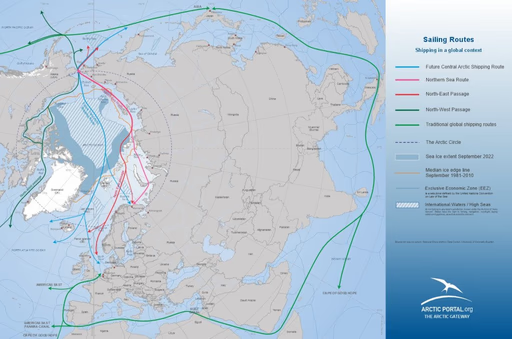
Current Trade Routes
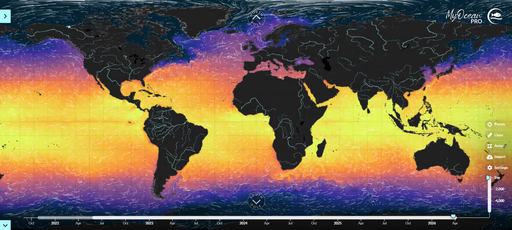
Weather Conditions
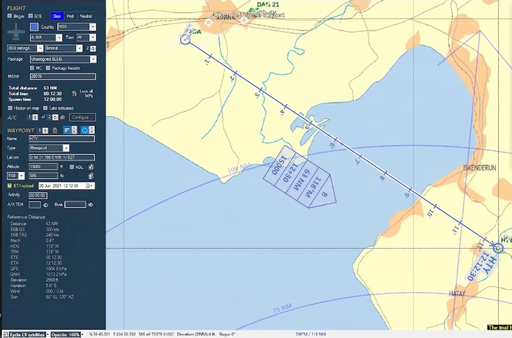
Route Planning Application
Why does this matter?
Understanding the Arctic isn't just an industry concern — it has real-world impacts.
12-15%
of global shipping passes through Arctic waters
80%
of Arctic data requires expert interpretation
4x
more challenging to plan Arctic routes globally
02 / Research
Personas
Percy
Maritime route planner
Needs
- Easy-to-use platform to make quick decisions
- Accurate data that's ready whenever it's needed
Pain Points
Existing tools aren't accurate or accessible enough to trust for real planning work.
Johnny
A bit curious about the Arctic
Needs
- A simple interface that feels as familiar as apps he already uses
Pain Points
Simplicity over technical accuracy — no interest in complexity for its own sake.
Problem Statement:
How might we close the gap between Arctic expertise and public understanding?
03 / The Solution
3 main features
We designed a web app that simplifies the complexities of the Arctic through 3 main features:
Visual - Live Map
See live route conditions across the Arctic on one interactive map.
Mental - Dashboard
Get route data at a glance on a clean, focused dashboard.
Physical - Interactive 3D Models
Explore real 3D models to understand terrain and routes hands-on.
04 / Implementation
Challenge
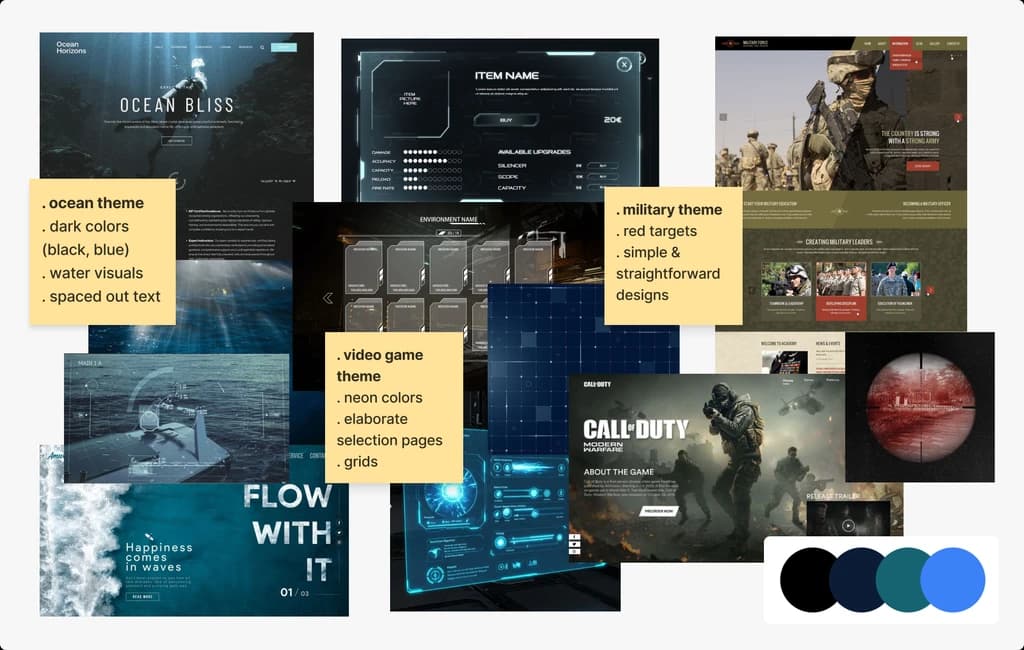
How can we balance heavy branding with accessibility?
Moodboard
Creating a moodboard early on helped us actually see the visual direction before committing to it, rather than guessing at what “heavy branding” should look like.
Initial Sketches
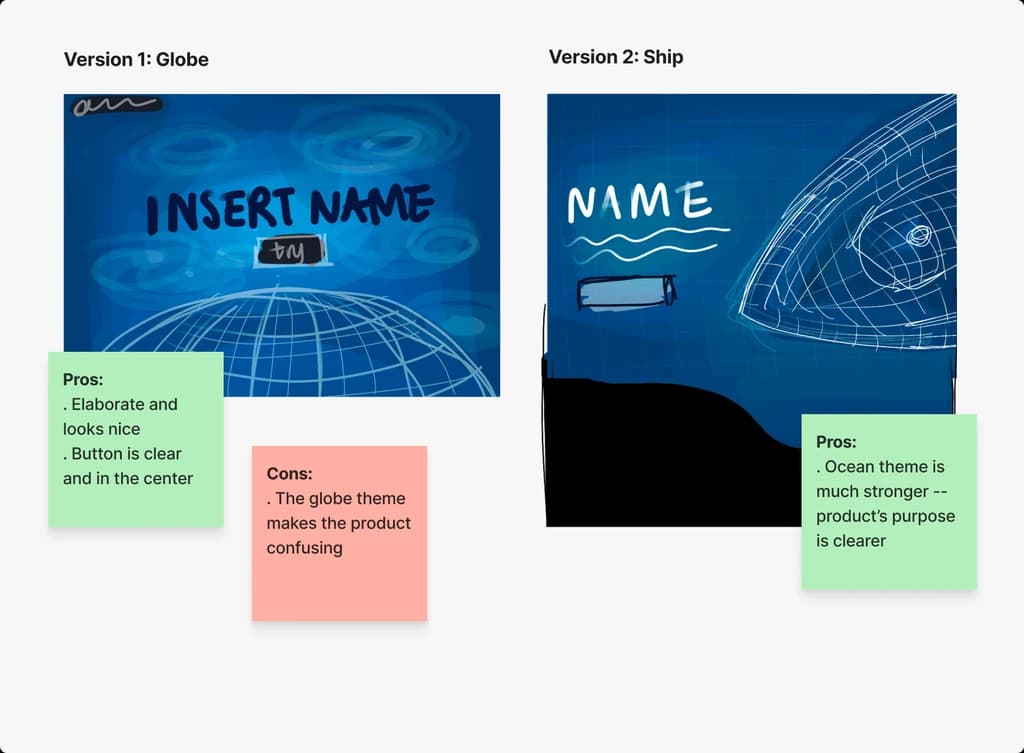
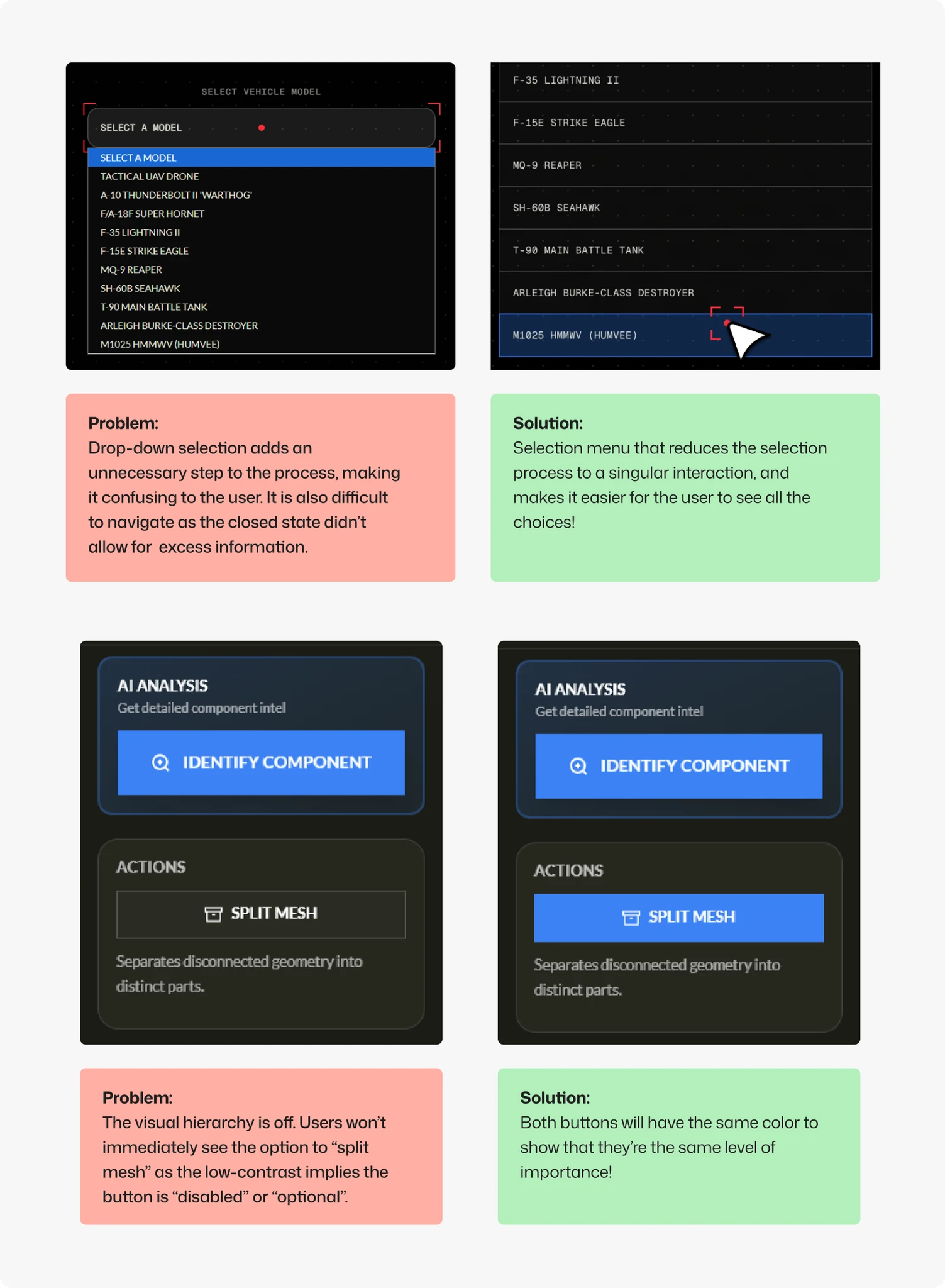
Select Iterations
Result
We're extremely proud of winning:
- 1st overall
- 2nd for the Thales Challenge
06 / Learnings
Working on a team of non-designers
Design is often reduced to just “making things look aesthetic,” something I especially noticed while working with a team of non-designers. I often found myself in a position where teammates wanted to add a feature or element that would just make the interface feel cluttered.
This was my first time having to explain how decisions like hierarchy, spacing, and restraint weren't just visual choices, but improvements to the experience. And it taught me that a big part of design is not just creating solutions, but communicating effectively to others. (And I was able to spread design propaganda about our importance! :)
The Hackathon Mindset
Unlike traditional projects, hackathons prioritize unique concepts and rapid execution over something polished. The short timeframe forced us to work efficiently, make quick decisions, and continuously re-evaluate our direction.
Through this experience, I learned the importance of iterating frequently and refining ideas as development progressed. And to let go of my perfectionist mindset. Sometimes, the end result was more important than how you got there.
Though if I could go back, I would definitely want to focus more on the UX rather than the UI!